
Roles & Permissions (SSO)
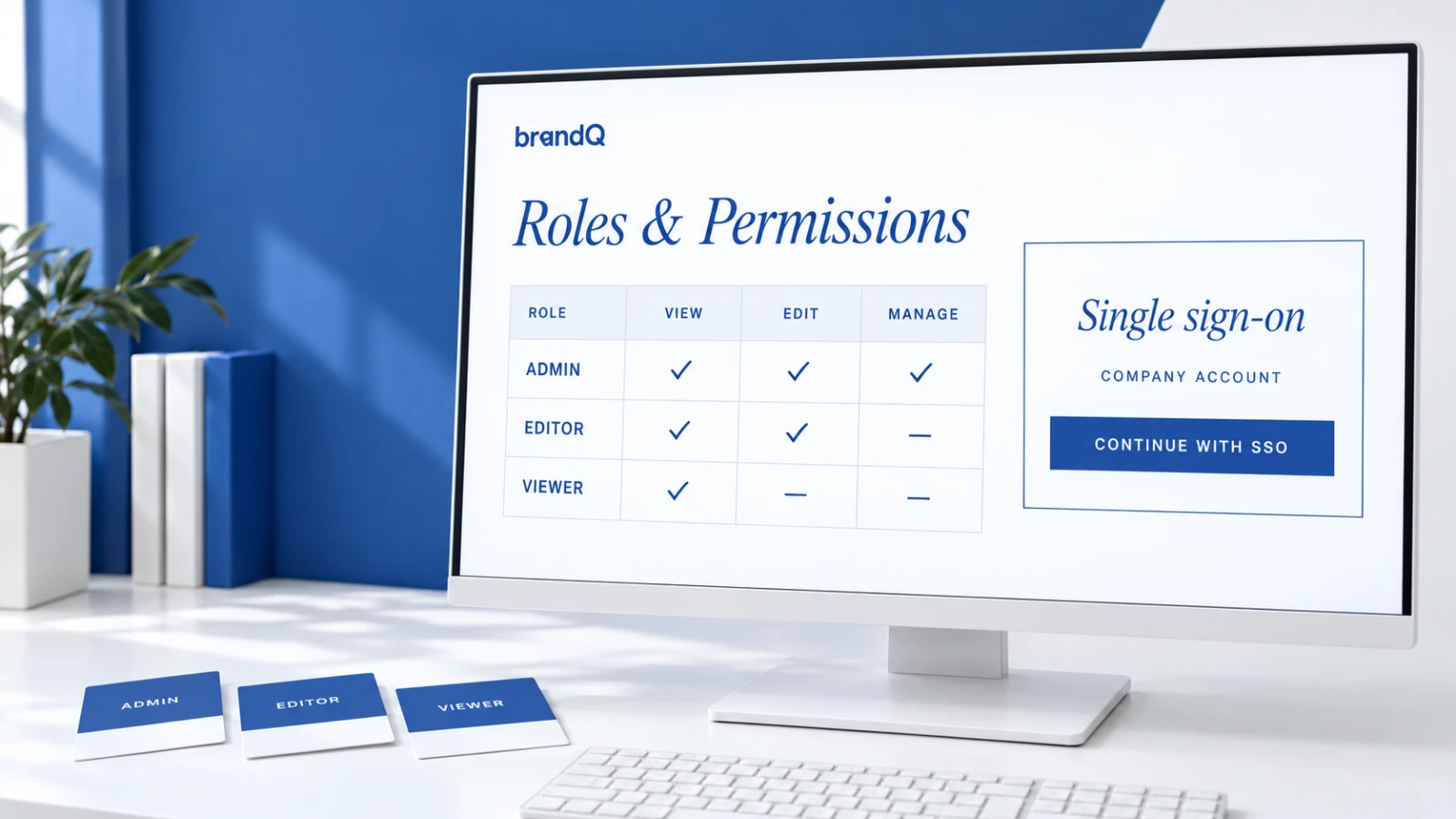
Fine-grained roles in brandQ control who may see, edit, approve or order what. Users log in via single sign-on with their company account and receive the right rights automatically.

The Right Access for Every User
brandQ distinguishes roles such as administrator, brand manager, approver, editor and orderer. Countries, regions, branches, departments or dealers are mapped as organizational units, and templates, assets, budgets and suppliers are assigned to them – so users only see what is relevant for them.
Single Sign-On
Employees log in with their existing company account. brandQ supports SAML 2.0, OAuth 2.0 and OpenID Connect and integrates with identity providers such as Microsoft Entra ID or Active Directory. Roles can be derived from directory attributes, and leavers are deactivated automatically.
External Users Welcome
Dealers, agencies and franchise partners without a company account are managed via classic login with invitation, self-registration and approval by an administrator. Permissions are enforced on every level, including API access and downloads.