
AI Designer Suite
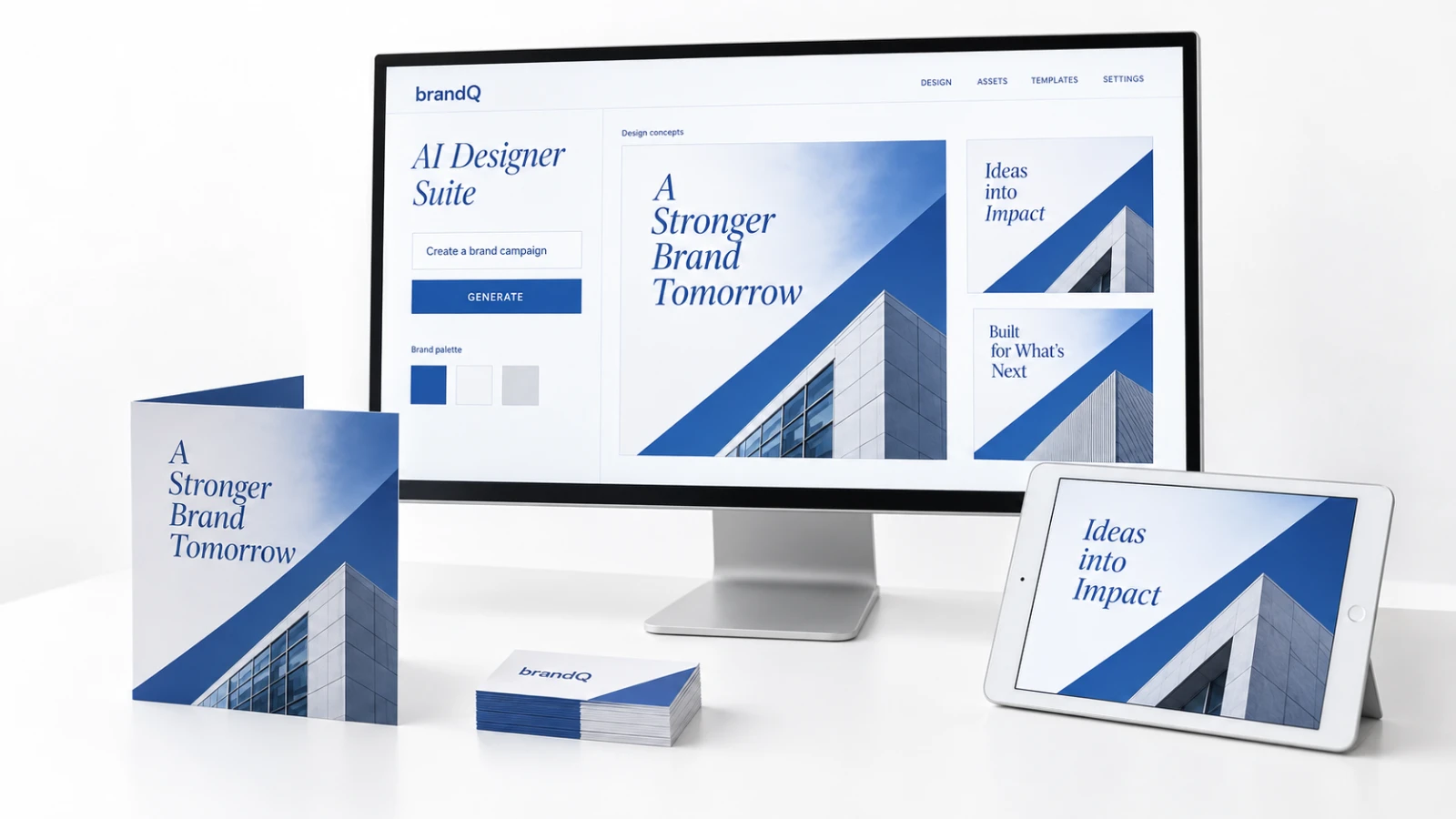
brandQ's AI Designer Suite helps users create print-ready materials: vectorize logos, remove backgrounds, upscale images and apply effects – directly in the editor.

Vectorized in Seconds
Branches and partners rarely have vector files at hand. The Vectorize function converts raster logos and graphics into clean vector shapes with adjustable smoothing and color settings – ready for high-resolution printing or as the basis for embellishments such as spot varnish or foil.
Remove Background
With one click, the AI removes the background of product photos or portraits and isolates the main subject. Users receive clean images for team pages, product flyers or social media posts without a photo editing tool.
Crispify and Effects
The Crispify feature increases the resolution of low-quality images by generating additional pixels, so smartphone photos become suitable for print. Effects and filters such as grayscale, sepia or contrast adjustments can be restricted to those that match your brand's visual language.